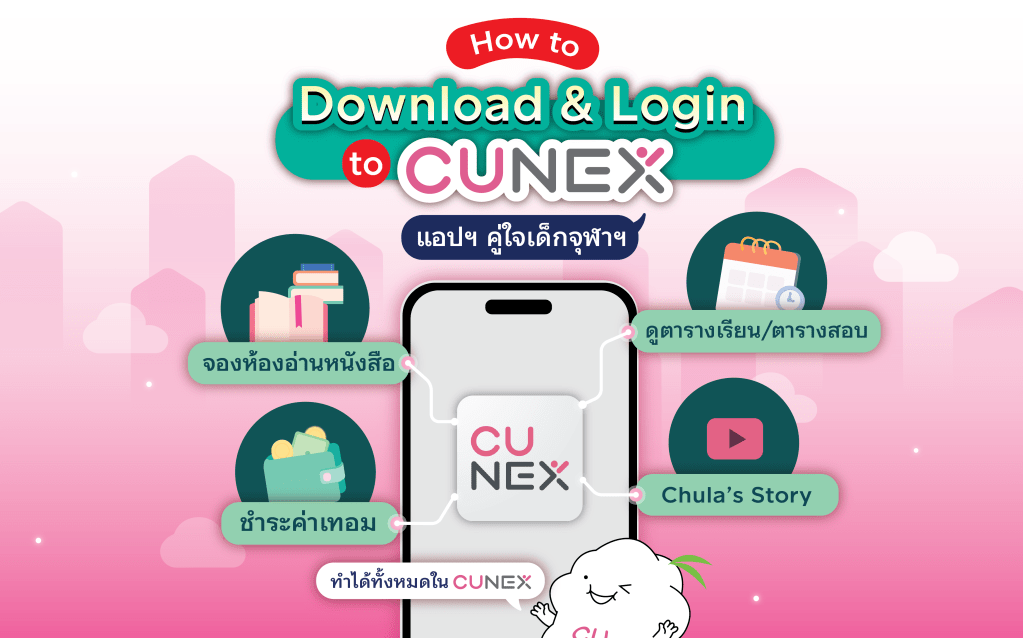
Hi all CU 108! Today NEXKY is here to clear all confusion on how to download and login into the CU NEX application🏆. It is all within 3 easy steps and the application will be your hub for checking class or exam schedules, room booking, tuition payments and more!
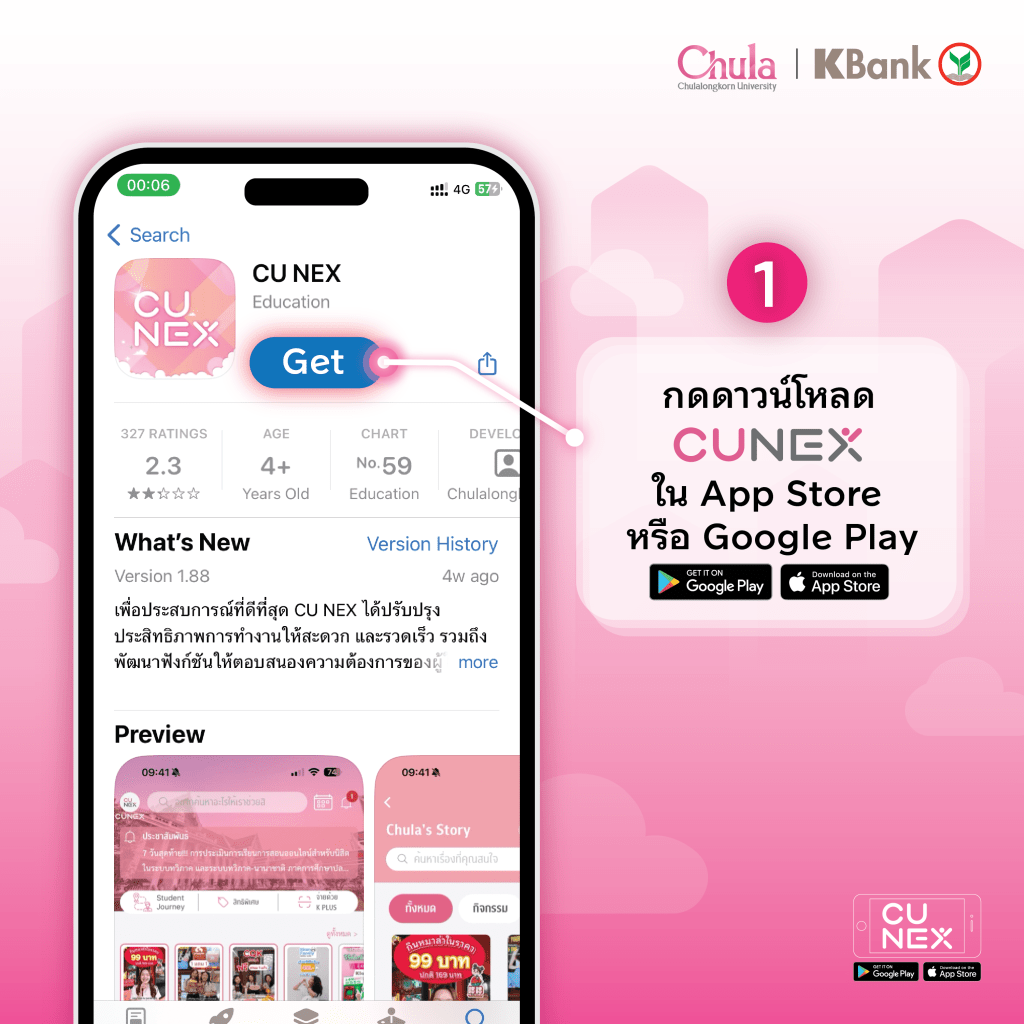
- 📱Download through App store/Google play
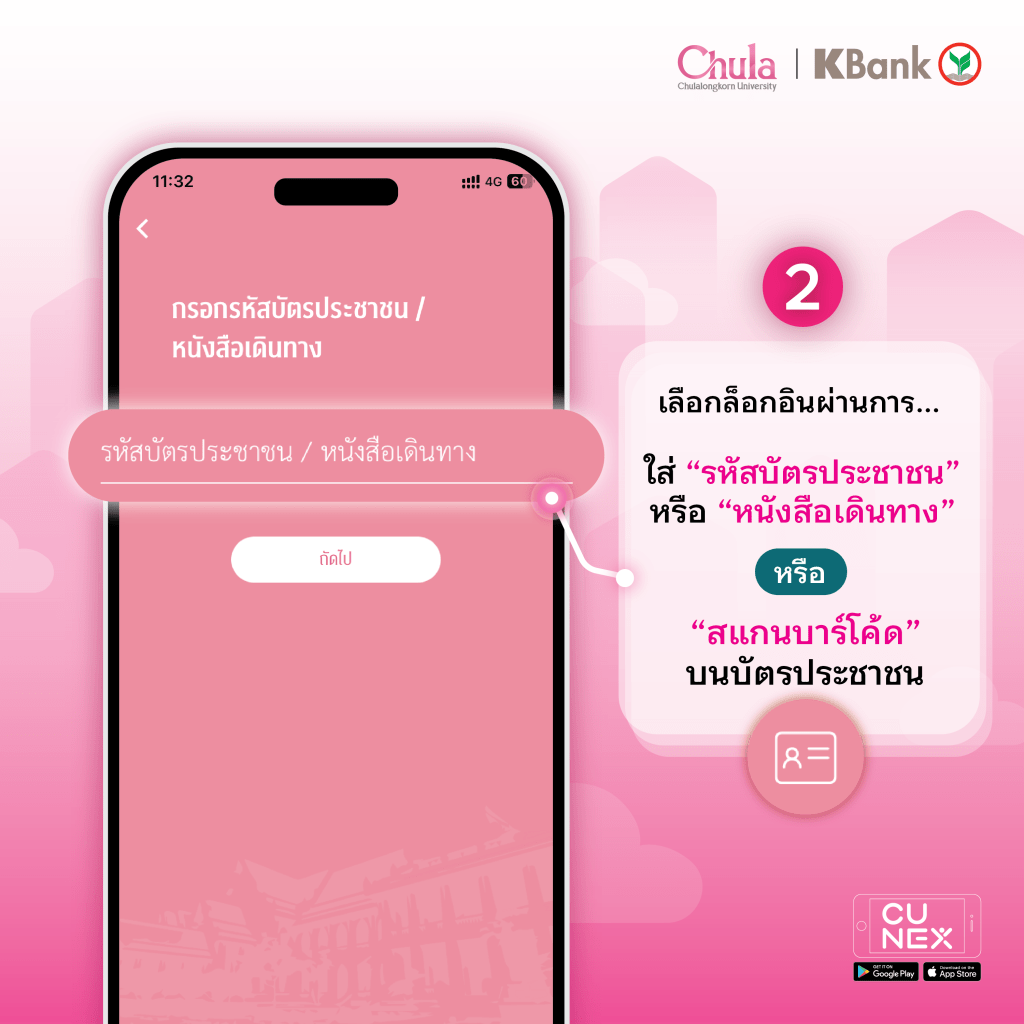
2. 🔍Login
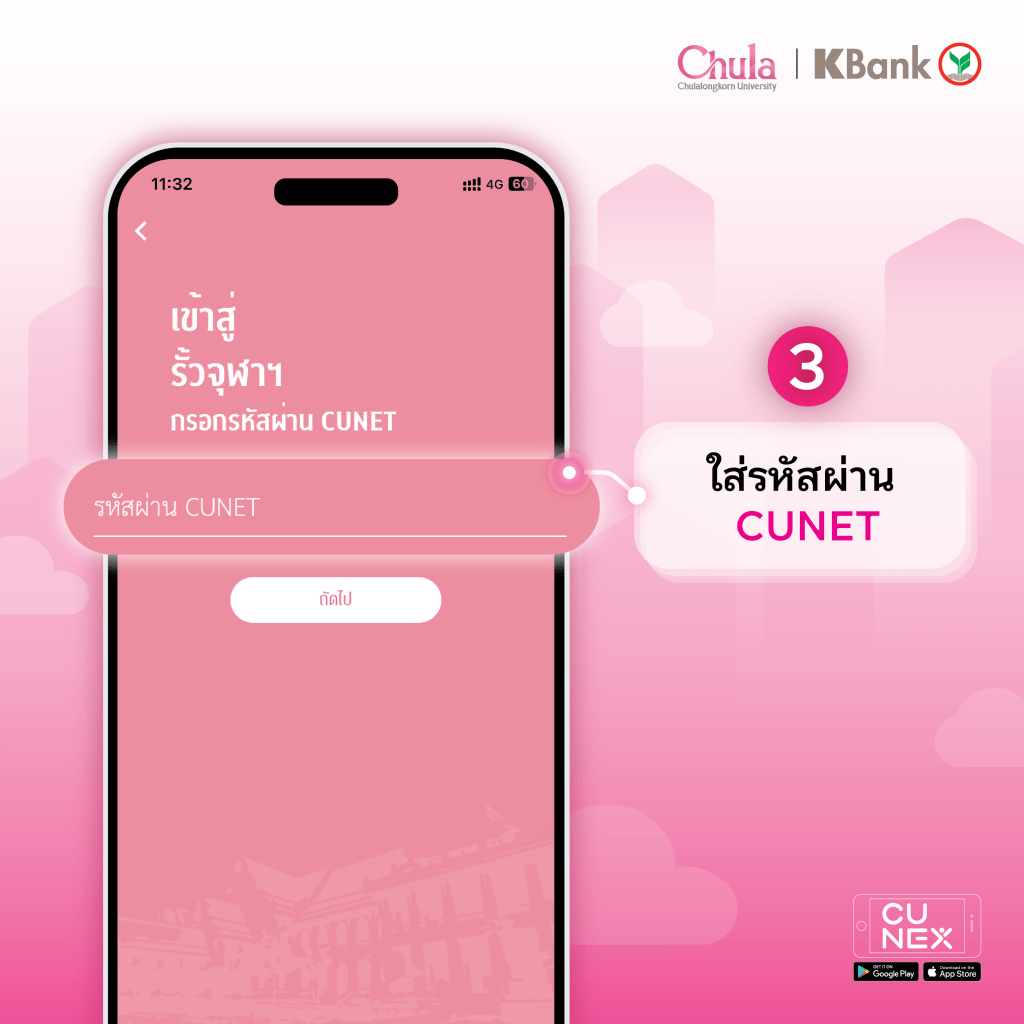
3. 🔐Put in your password
In just 3 easy steps the application is ready to use! You can pay your tuition fees, watch Chula Story, and book study rooms; all in CU NEX.

 CU NEX Popular Stories