
It’s been a while since the semester has begun. Are there any Chula students who haven’t tried CUDSON feature? 🤔
Today, NEXKY will give you a simple guide to CUDSON in CU NEX application.
Come follow NEXKY 😻
- Open CU NEX application
- Click “More”
- Click “CUDSON” which will bring you guys to an external web. Log in and begin your journey!

On the first page, there is a CUDSON assessment and a mission to find yourself and your suitable career.
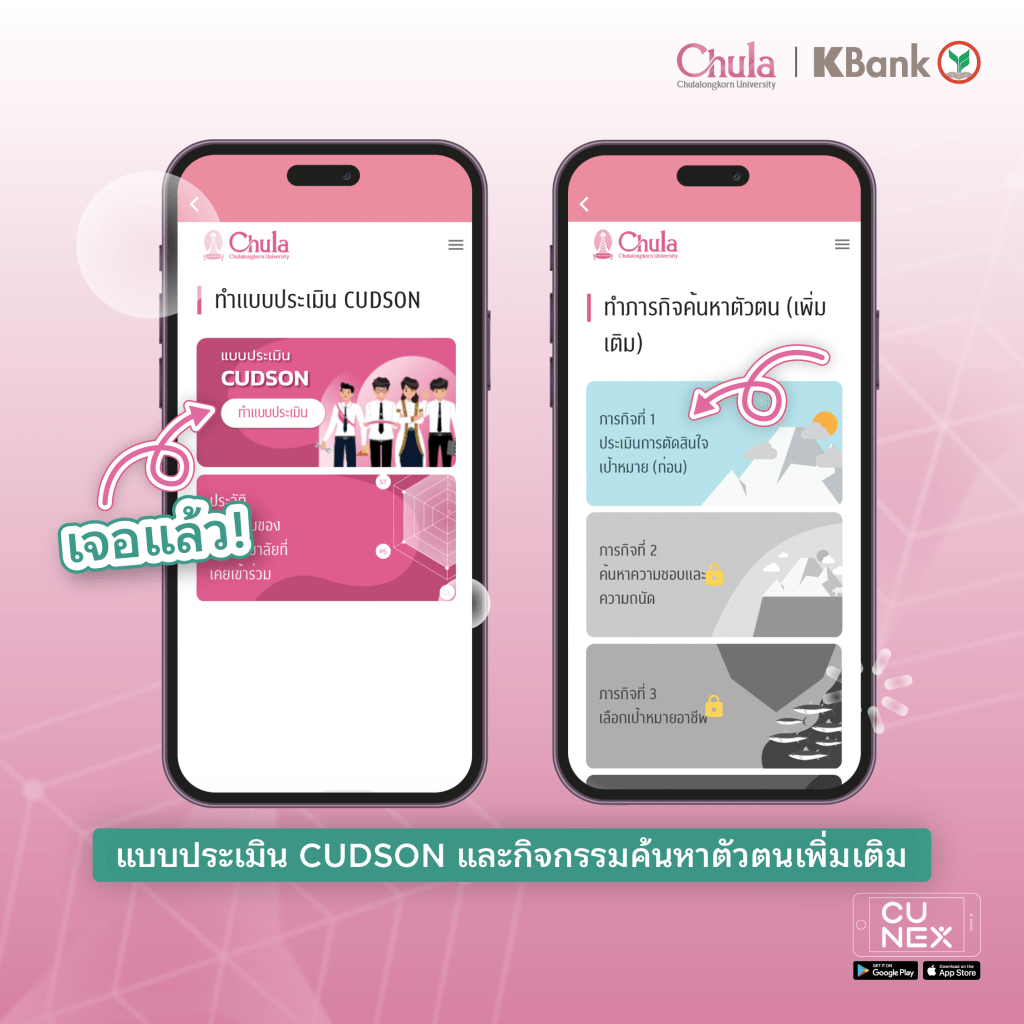
What’s more, if you click on 👉🏻 3 lines on the top right, there are more features to check out, whether it be
- Career exploration with more than 100 careers which CUDSON has gathered information of required skills and job description 🙀

- Experience exploration with features introducing university activities like Gen-Ed, CU VIP, and CU MOOC to unlock our endless potential ✨

Lastly, let’s share your favorite Chula activities from using CUDSON with NEXKY and friends. 🙌🏻💗
 CU NEX Popular Stories