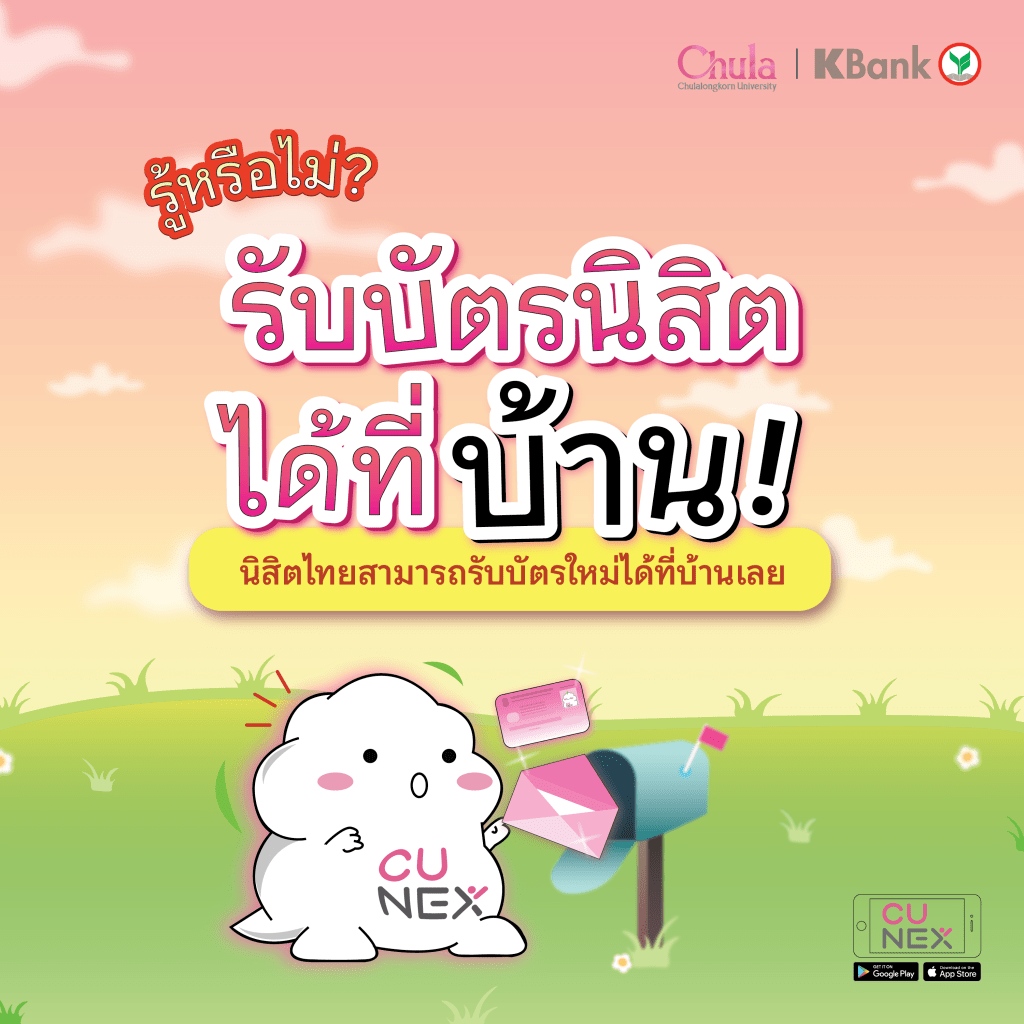
Did you know❓You can have your ID delivered to your house 🎉
All new students, don’t forget to ask for a new student ID issue on the CU NEX application. You can also choose to 📍 have it delivered to your house 📍
And, you can track the package number of the card you ordered once it has been sent out on the ‘Student Card’ feature page.
Just like that 😊 you don’t have to wait in the long queues to receive your ID. No matter where you are, there will no longer be any problems with ID delivered to your home. 💕
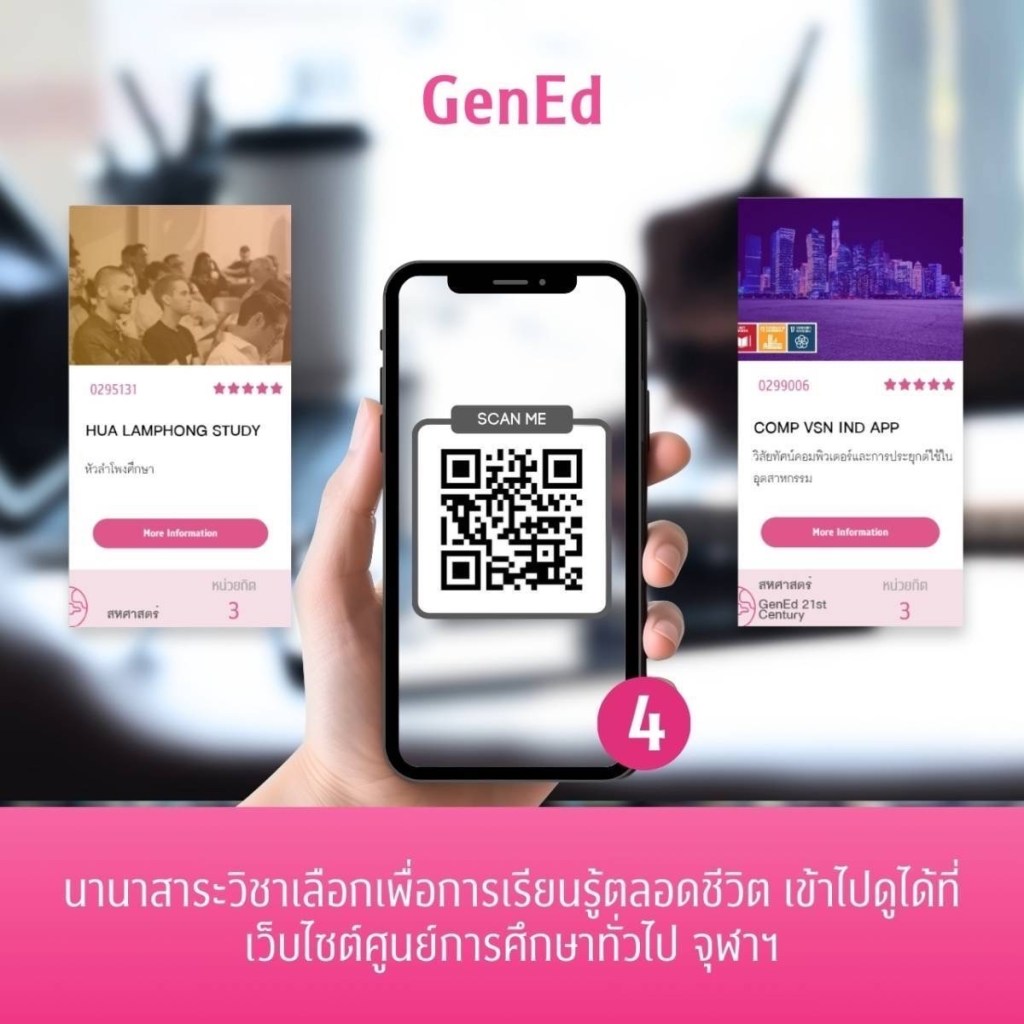
Today, NEXKY has gathered endless learning resources and various services within Chulalongkorn University’s campus for you to create valuable experiences at the university. 🌸
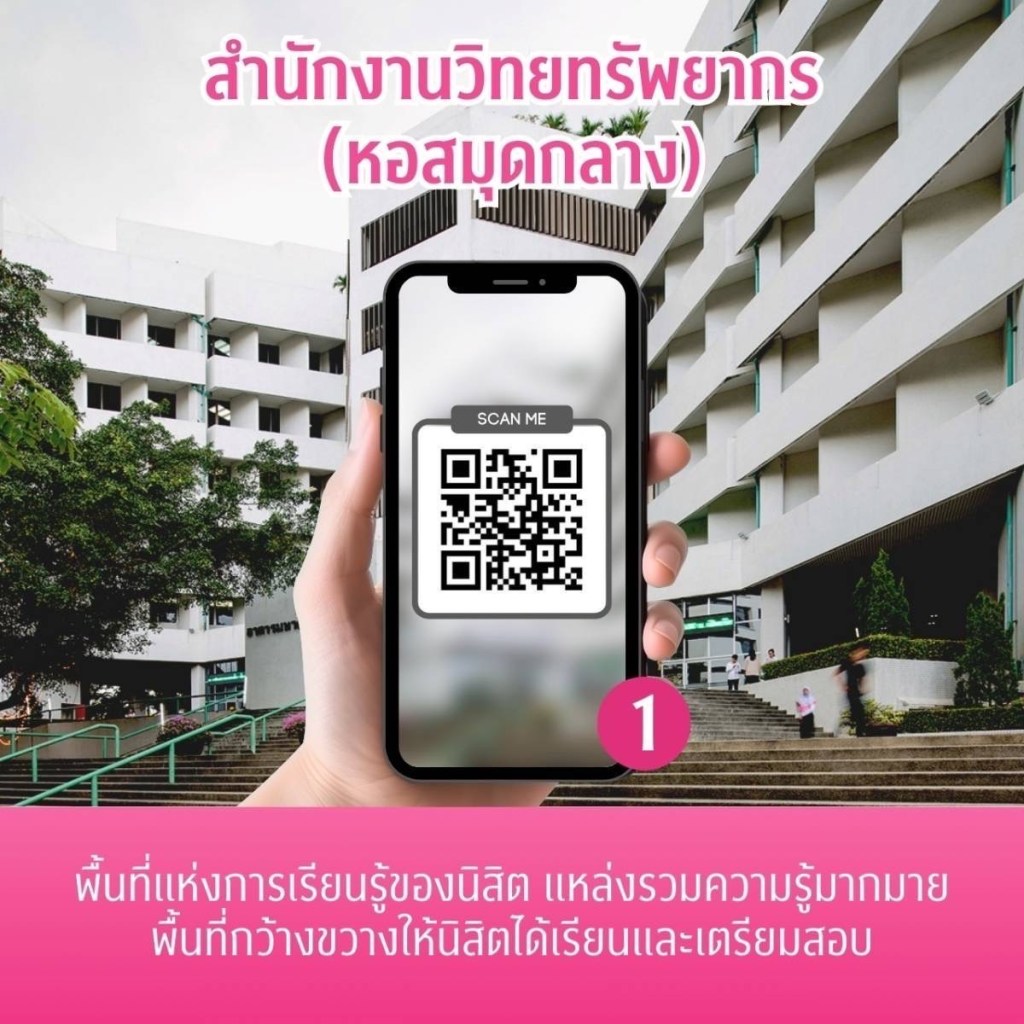
1️⃣ Office of Academic Resources (Central Library)
This is a space for exploration, learning, research, and a room of vast knowledge. It’s a large facility that can accommodate students for meetings, studying, and exam preparation. 🏢
If you’re looking for a beautiful co-working space to work, study, or relax, head over to Prem Purachatra Building and the Science Development Building. 📖
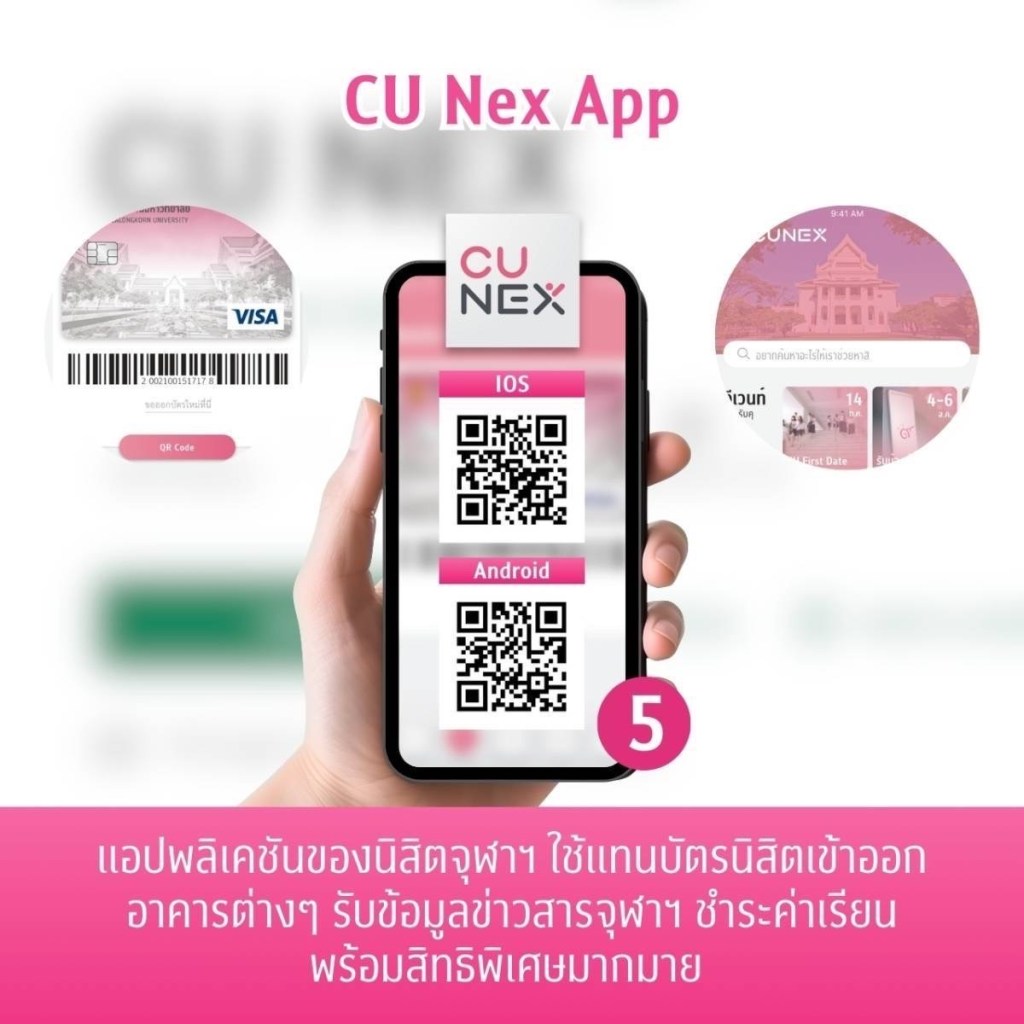
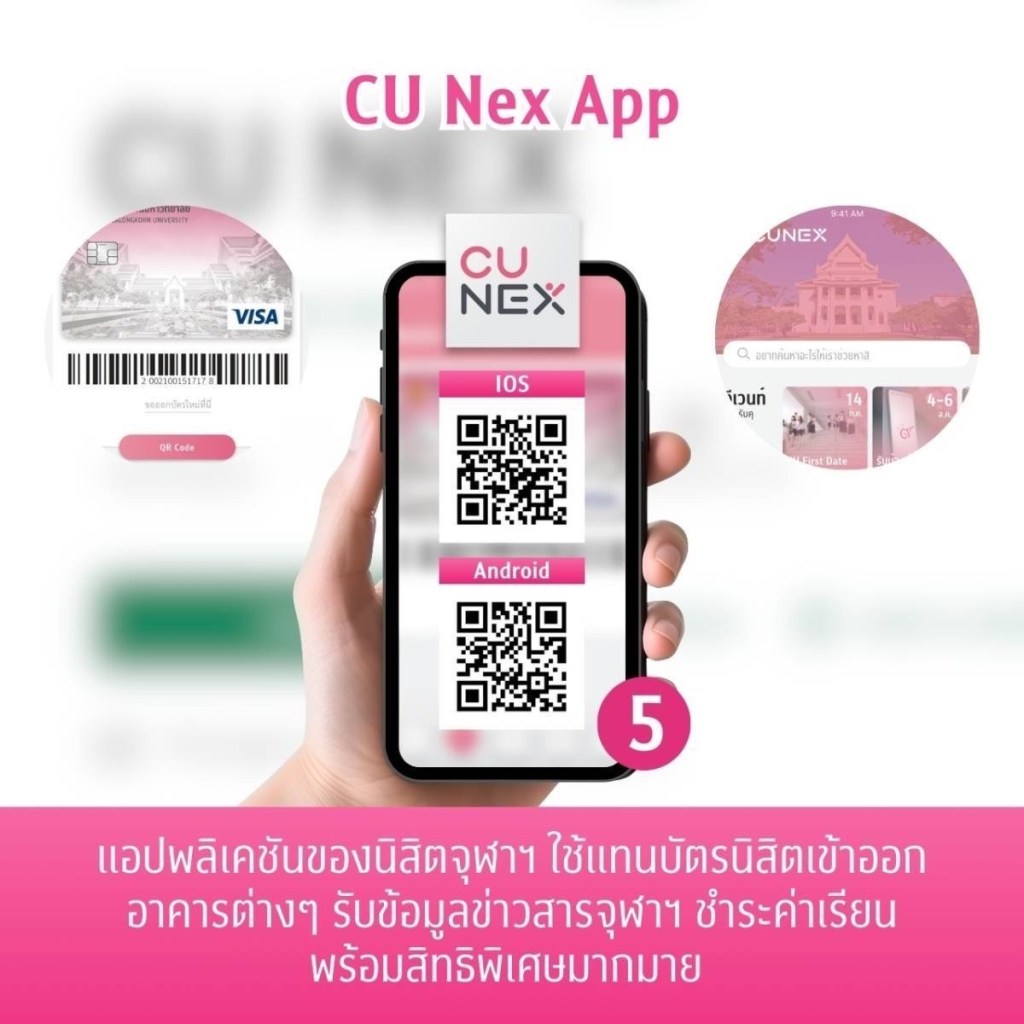
A favorite app among Chula students, it simplifies student life with features like tuition payment, viewing special privileges, and receiving information. 📱
Travel conveniently within the university with electric buses that have cool air conditioning, and most importantly, they are free. You can follow updates at:
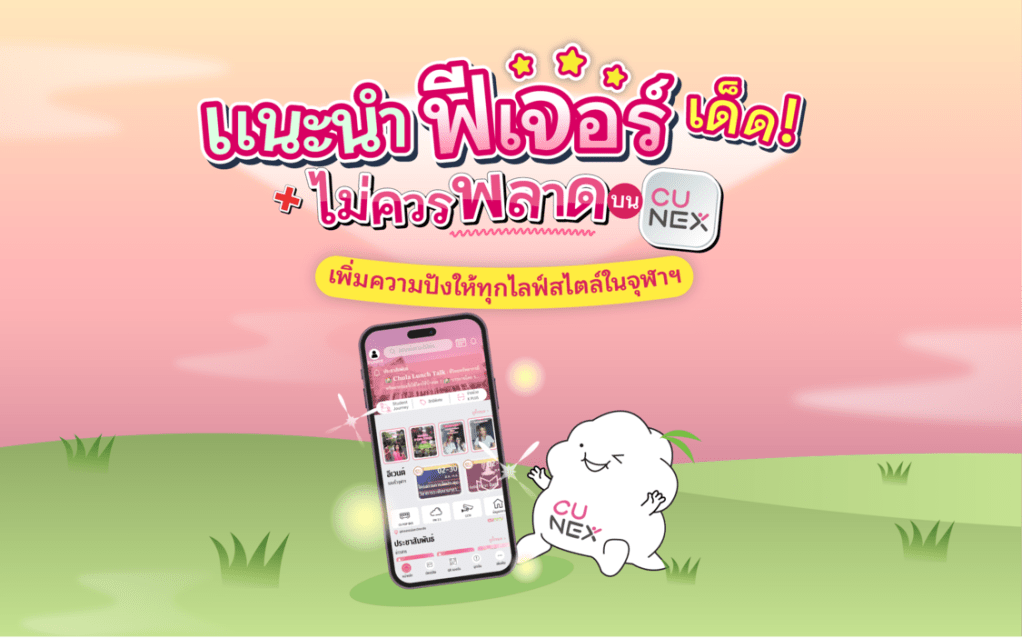
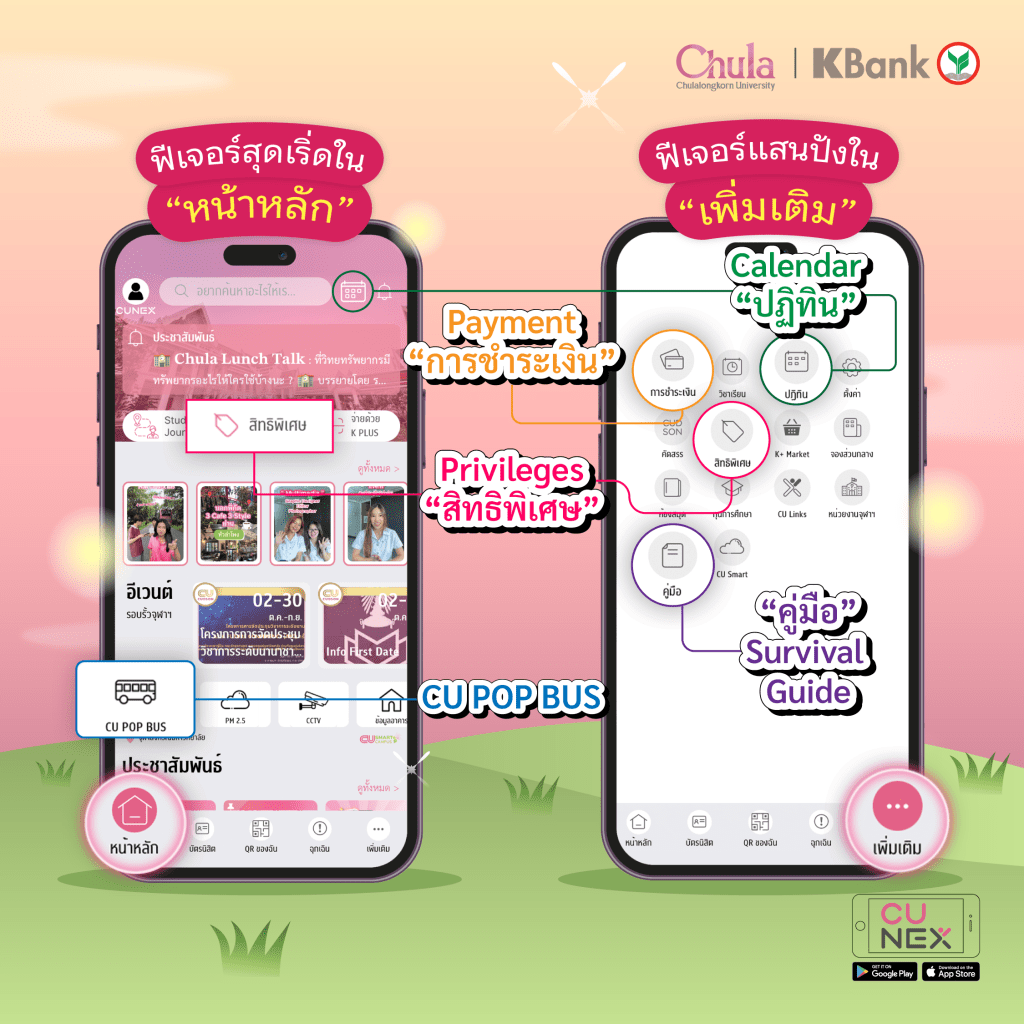
Today, NEXKY is here to recommend something you don’t want to miss; 5 new and not-to-miss features from the CU NEX application that will cater to all lifestyles!🤩These are sure to make your life in Chulalongkorn much easier so let’s see what they are!👀
————————————————————————————————————————-
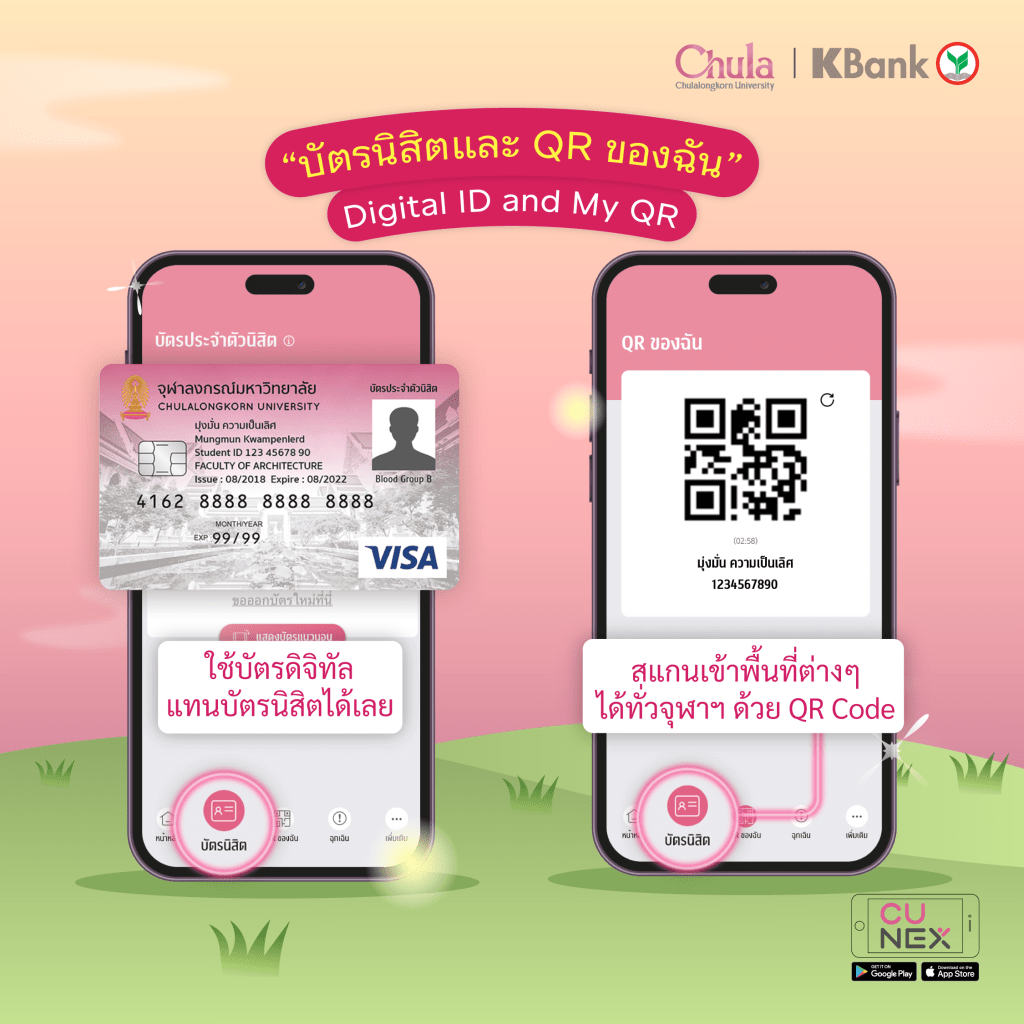
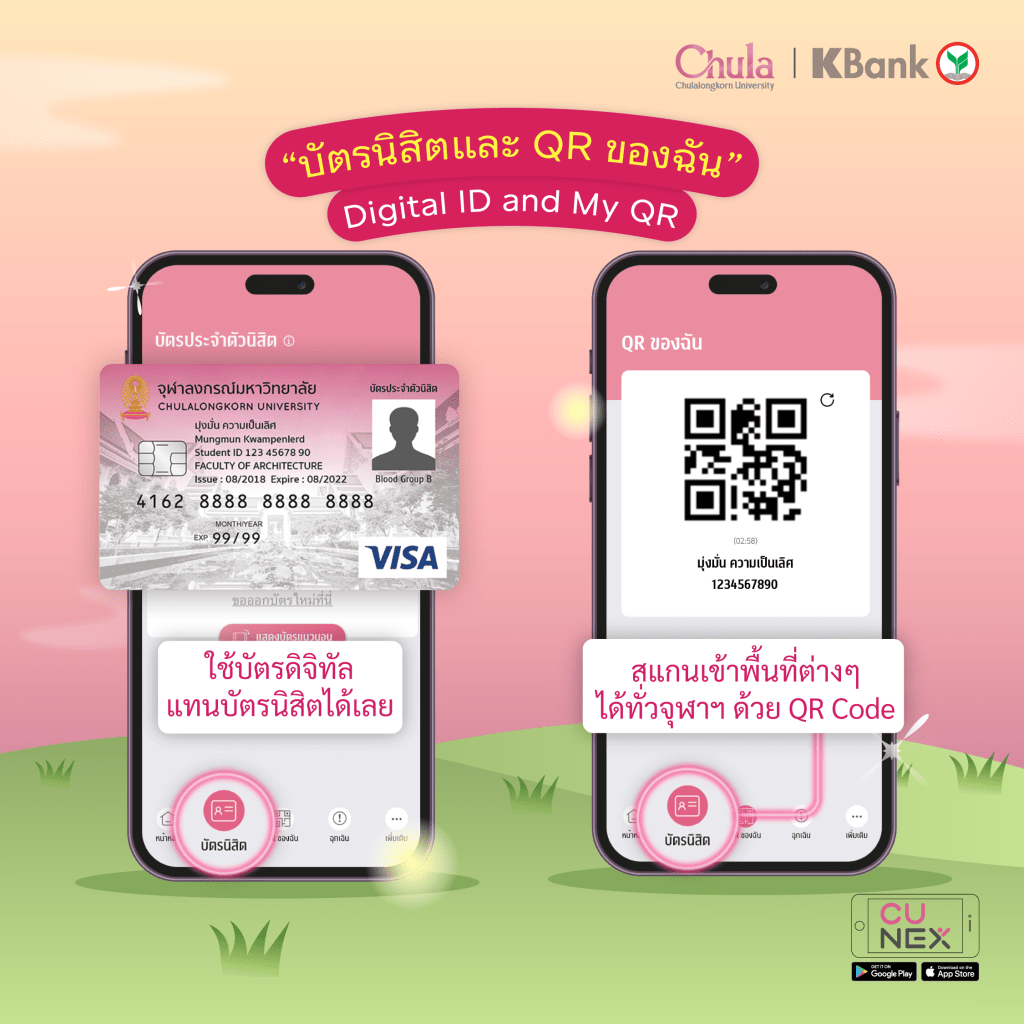
💛Digital student ID and My QR
No more worries about forgetting to carry your student IDs around🪪 with the “Digital ID” feature. There is also “My QR” which you can use to scan to enter all the amenities in Chulalongkorn through the CU NEX application📱.
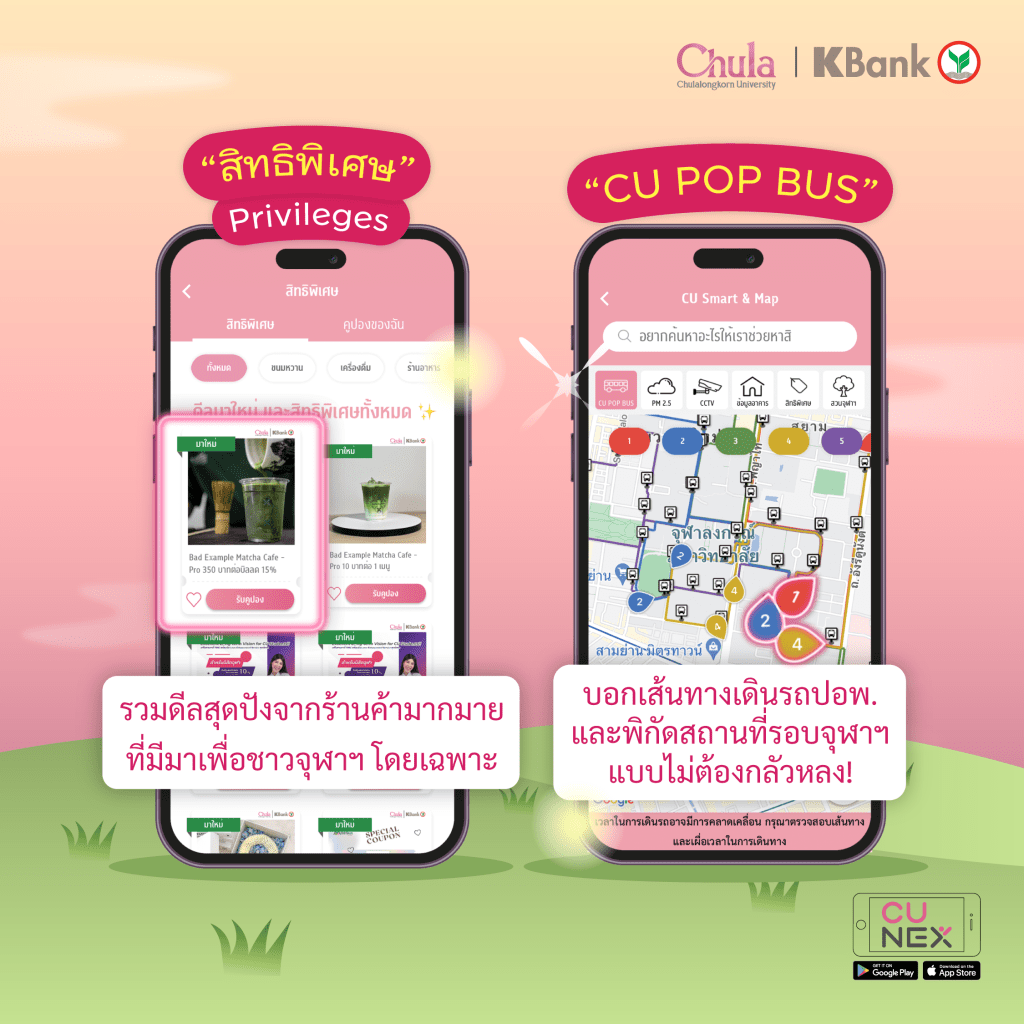
💚Privileges
This is for all the Chulalongkorn students with special deals from various stores and restaurants combined together for an easy browse. They include discounts for restaurants🥘, drinks, beauty🛍️and more! So don’t forget to check them out and make use of the privileges.
🧡CU POP BUS
Commuting and getting to places on the Chulalongkorn grounds will no longer pose any problems with the feature that lets you track all the CU Pop Bus routes 🚌 . Not only that you can see where to bus is in real time!
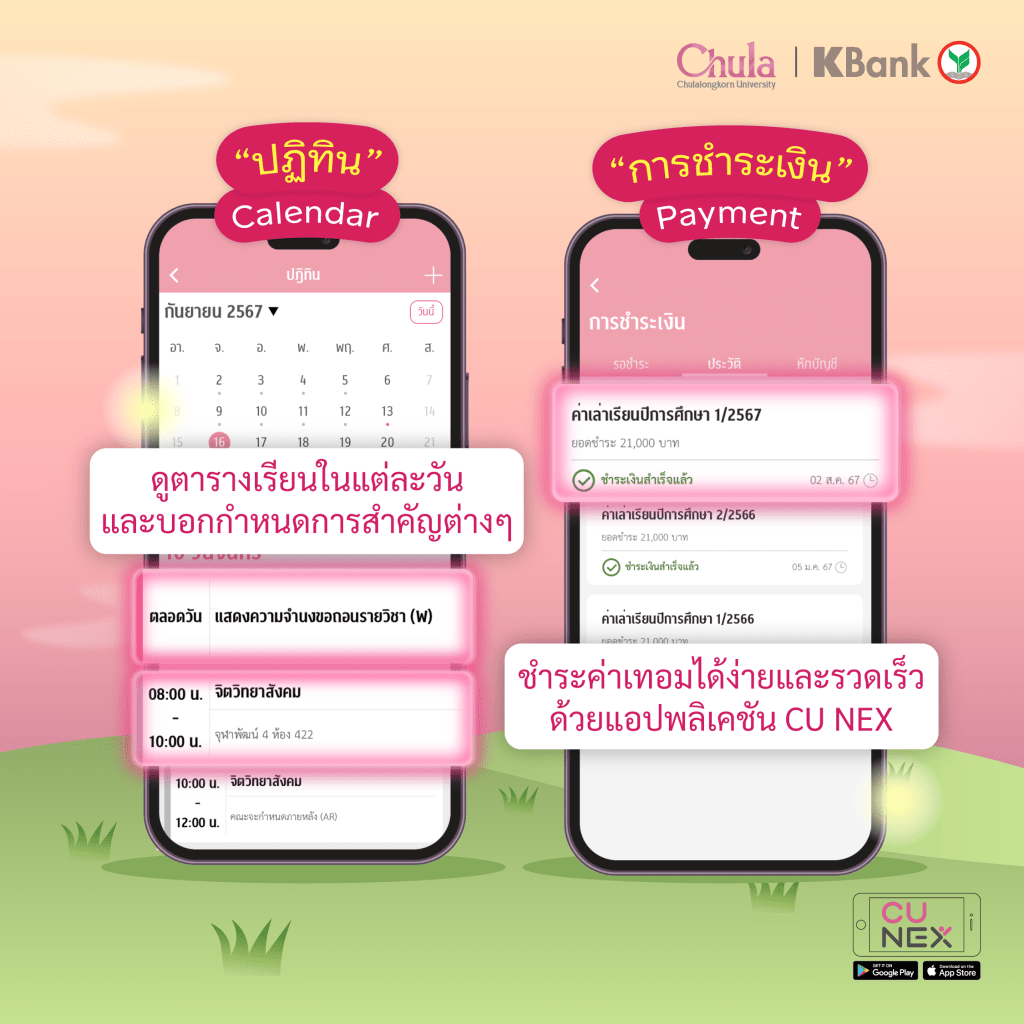
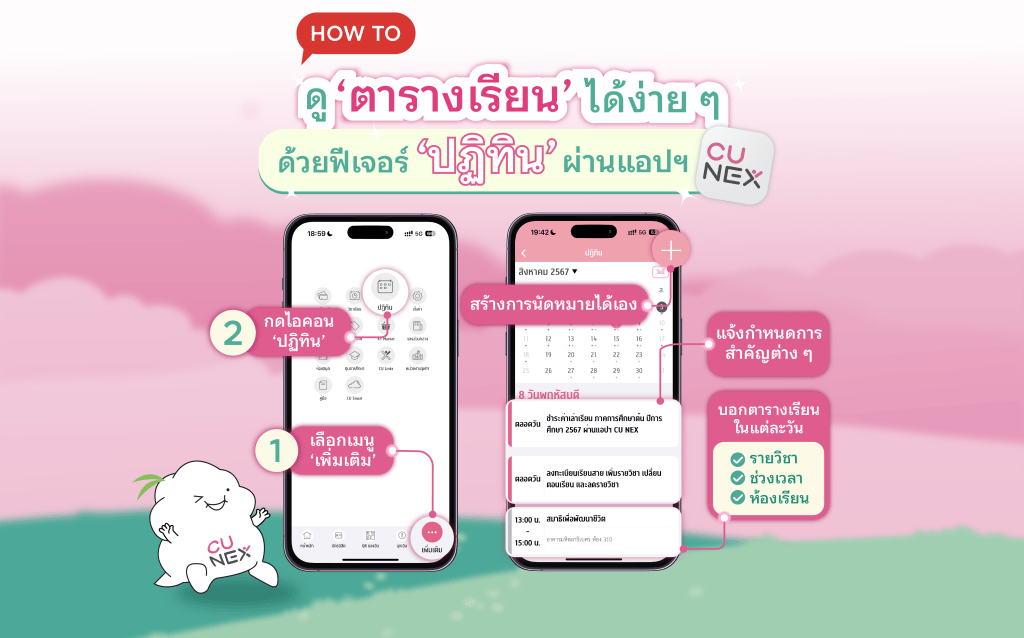
🩷Calendar
Sometimes we take too many courses and it’s hard to remember the schedule. Don’t worry! With the calendar feature, you can always check the dates for exams, the classroom numbers and buildings, and even all-important university dates like dates for tuition payment and course registration. So say goodbye to missed deadlines!📅
🩵Payment
DId you know that you can pay your tuition fee through the CU NEX application?💵Well with this payment feature you can easily pay the fees and also set up an automatic payment to ensure you won’t forget.
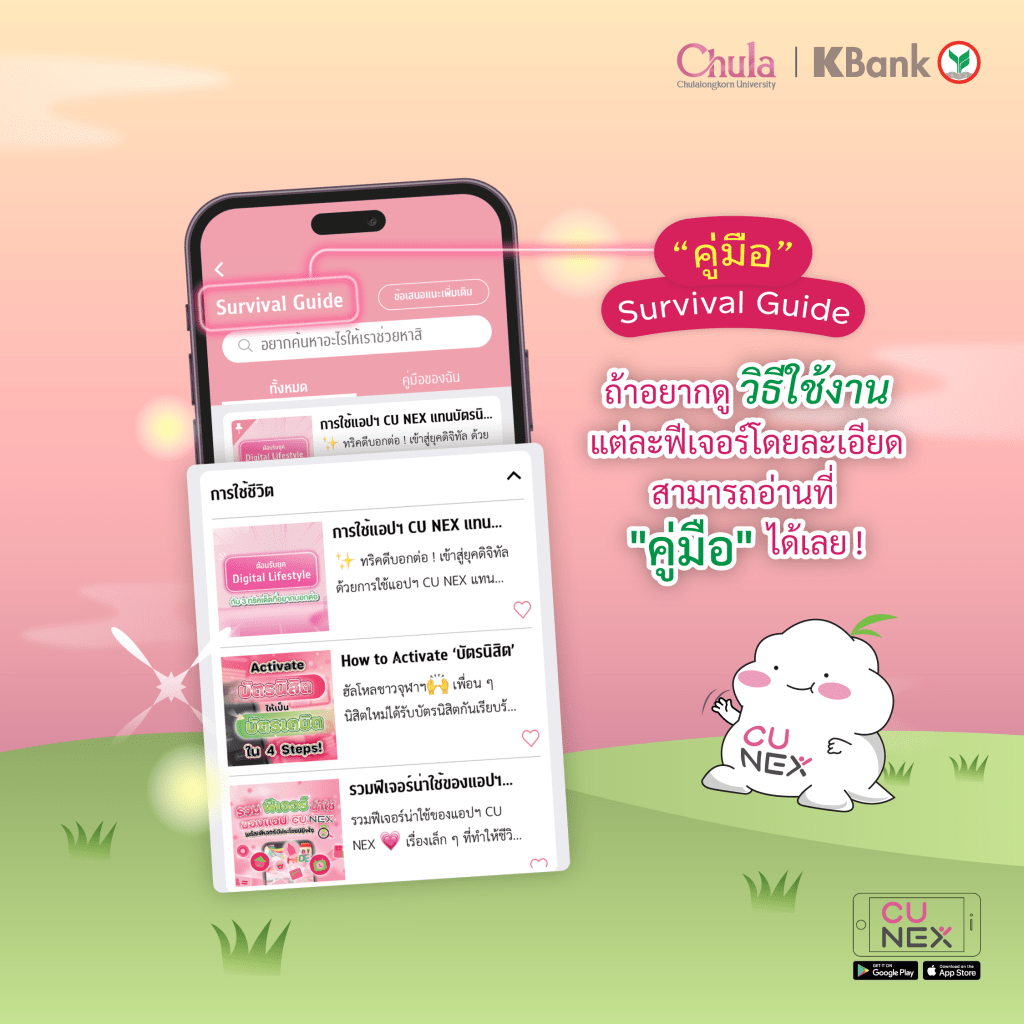
If you want to learn more about these features, feel free to read the details at the features’ “manual”. There are so many other features waiting for you in the application so make use of them and let you life in Chulalongkorn be an smooth ride.🥰
Stop stressing about your class schedule! Whether you have too many subjects or forgetting where your classes are located in the building. These problems will be gone because NEXKY introduces a feature to make checking your class schedule easier for everyone. 🤩
👉 Open CU NEX app 👉 Click at ‘More’ 👉 Choose ‘Calendar’ icon
👏🏻 The calendar feature 🗓️ will help you with
✅Subjects that need to be studied each day.
✅Class timesfor specific subjects.
✅Classrooms for each subject.
We guarantee that you’ll find your way to class correctly and never get lost, just by clicking on the date you want to see your class schedule. How convenient!
During exam season📚, you can check the exam schedule, which includes the date, time, subject, and exam room information. It’s so helpful!
👏🏻 Don’t miss out on important events such as holidays, study registration, or tuition fee payment dates which will all be included in the Calendar. No matter the date, you’ll know for sure. 😎
👏🏻 Moreover, you can schedule appointments yourself. Choose the activity and time you prefer, then save it in your calendar. 📌 No need to worry about missing important appointments.
The feature makes life easier for Chula people like this. ✨ It has to be the CU NEX app!
A lot of you might be curious about CU NEX, right 🤔❓
CU NEX is a project which happens from the cooperation from Chulalongkorn University and Kasikorn Thai Bank to push the goal of ‘Digital Lifestyle University’ via the application, CU NEX
Why all Chula students need CU NEX on their phones ⁉️
Just download CU NEX, everything will be a lot easier because CU NEX has a lot of convenient features that help your life in Chula to the best experiences.
📣 “Notifications” feature is used to get on every updates and activities in your campus life. You can also go on the tap “Event” to get updated on agendas , as well. ‘
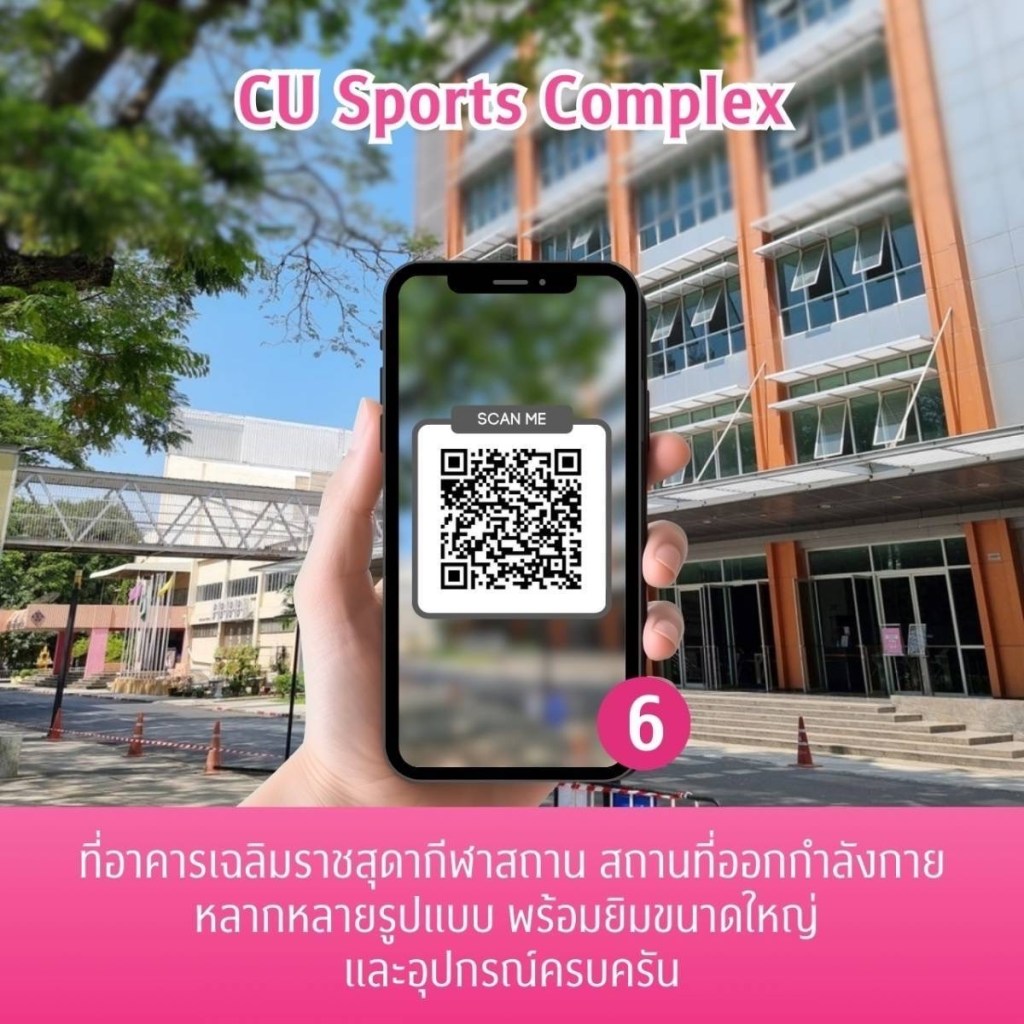
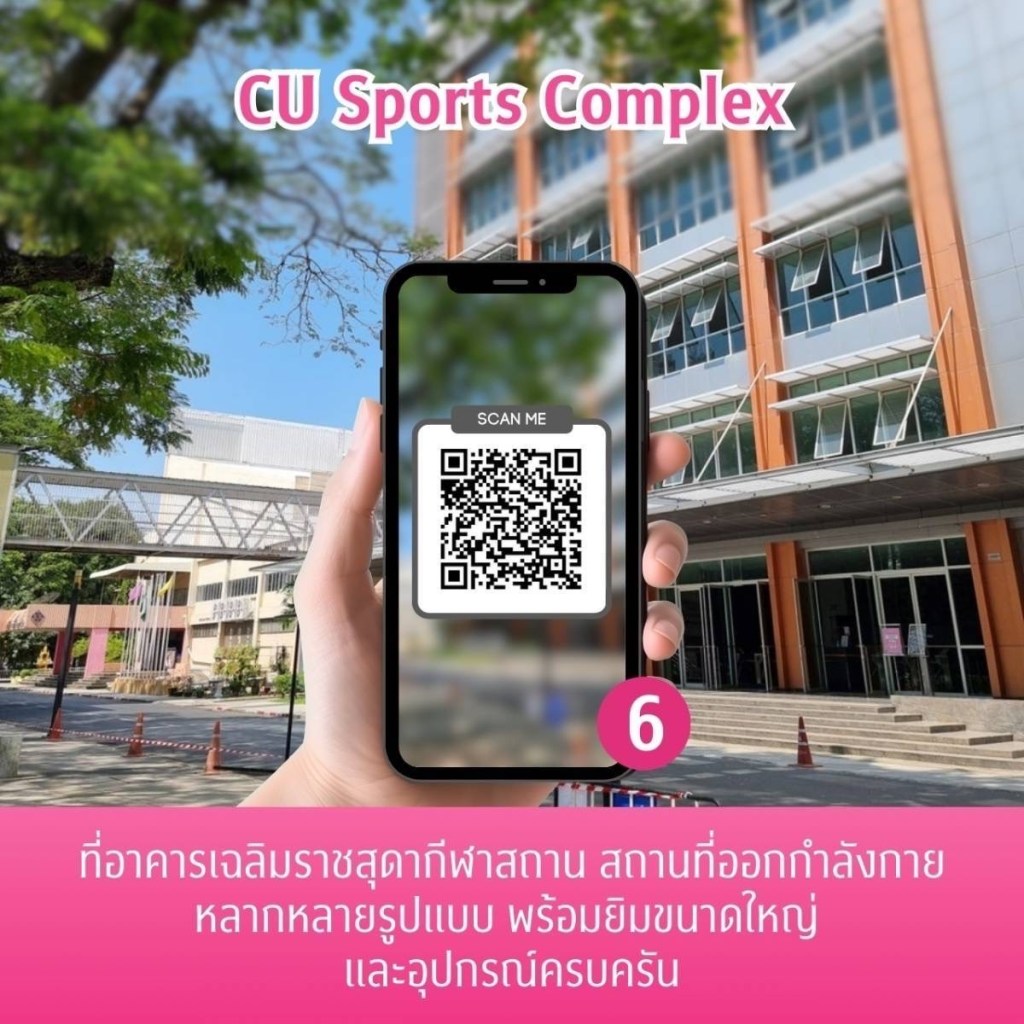
🪪”Digital Card” feature is also able to be used instead of the physical card, too. You can use the “My QR” scanning for campus facility utilization such as the central library, PLEARN space and CU Sport Complex.
🛍️”Privilege” feature get you all special deals to be redeemed for your life styles including eating, shopping, fashion and beauty. Don’t forget to use them!
💵 “Payment” feature is used for easily tuition fee paying via the app with various ways of payment. You can also check your pay history, too.
🚨 “SOS” feature will always immediately notify you the emergencies both in the campus and nearby.
Other features are also available such as CU Smart & Map, Scholarship, Library, Class, CUDSON, K+ Market, CU Links and Contact. If you want to additionally know how to use the app, go check on “Survival Guide”. Can’t forget to download this perfect app on your phone. Let’s complete your CU life with CU NEX 💗
นอกจากนี้ยังฟีเจอร์อื่น ๆ อีกมากมาย ทั้ง CU Smart & Map, ทุนการศึกษา, จองส่วนกลาง, ห้องสมุด, วิชาเรียน, ปฏิทิน, คัดสรร, K+ Market, CU Linksและ หน่วยงานจุฬาฯ ถ้าอยากรู้วิธีการใช้งานเพิ่มเติมสามารถกดดูได้ใน ‘เครื่องมือ’ ฟีเจอร์ครบครันขนาดนี้ ไม่มี CU NEX อยู่ในเครื่องไม่ได้แล้วล่ะ มา Complete your CU life with CU NEX กัน 💗















 CU NEX Popular Stories